
Stream over 22,000 live channels and 90,000 movies on Firestick, Smart TVs, iPhone, Android, and more via apollogroup.cam. apollo group tv delivers a seamless entertainment experience featuring a unified Electronic Program Guide (EPG), a massive 4K VOD library, and up to five simultaneous streams.
If you have used basic streaming services before, you know performance ranges from unreliable to poorly maintained. The backend engineering required for smooth playback is invisible—until you switch to a platform built for speed. apollo group tv delivers high-performance infrastructure engineered for zero lag.
While standard IPTV guides take 30+ seconds to load, apollo group tv uses server-side pre-rendering and device caching for instant TV guide access.
If a live broadcast feed drops, our built-in failover system switches to a backup stream in under a second—eliminating long buffering loops.
Enjoy 5 simultaneous streams per account. Create individual device profiles, keep kids' programming safe, and set custom parental controls without bandwidth drops.
Replay live sports or missed episodes without scheduling manual recordings. Access 3 to 7 days of catchup content across most major channels.
Enjoy weekly content updates featuring major theatrical releases, full TV series box sets, and top-rated classics. apollo group tv brings cinematic entertainment straight to your screen with seamless in-app filtering by genre, release year, or studio.

Plus 89,996 more titles available in the apollo group tv library. Browse by category, year, or studio in-app.
Get instant access to thousands of live feeds including live sports, news networks, 4K streams, premium movie channels, and regional broadcasts. apollo group tv keeps you connected to your favorite live programming without location restrictions.
Access your entire channel lineup and VOD catalog directly on iPhone, iPad, and Android. apollo group tv delivers a unified mobile interface complete with single sign-on, Picture-in-Picture mode, AirPlay, and Chromecast streaming support.
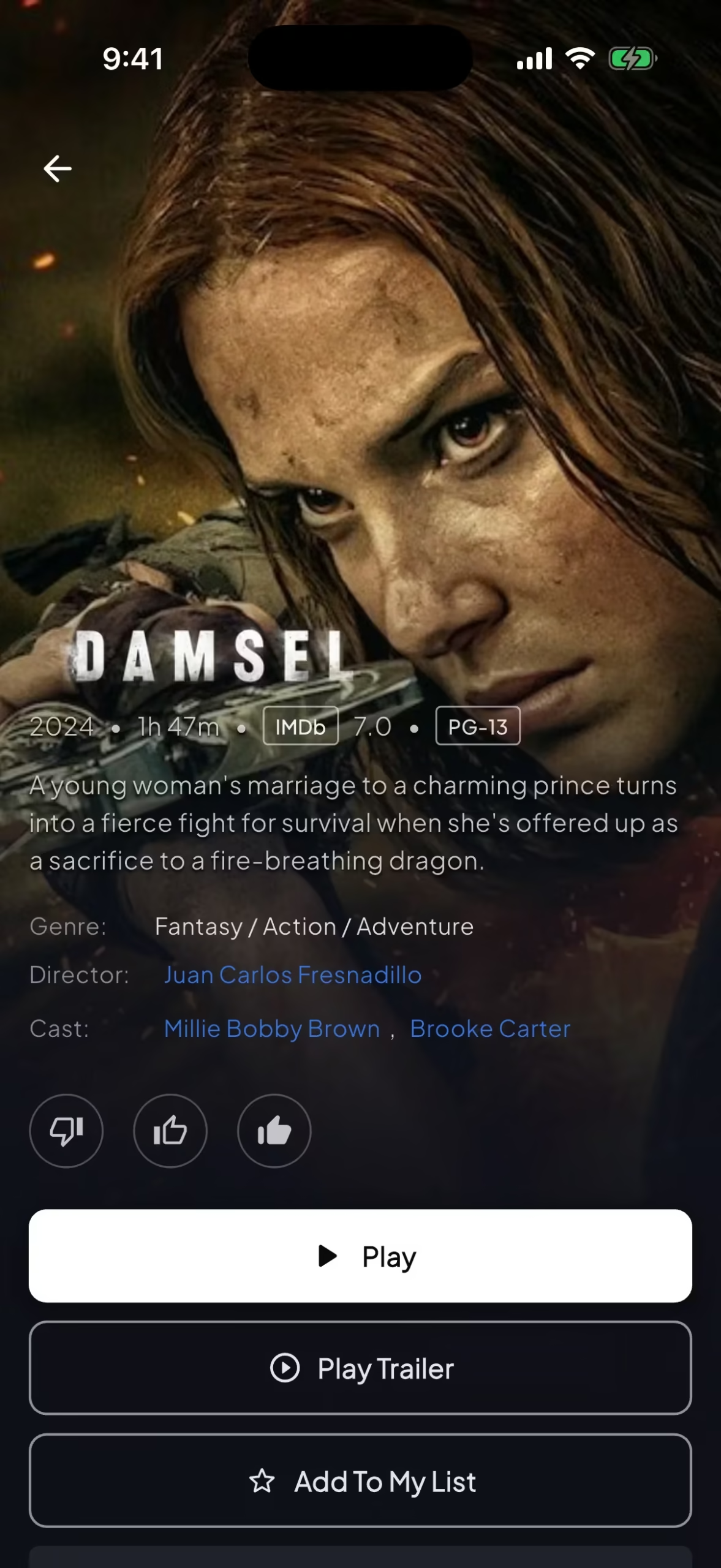
Browse full cast lists, trailers, and instant playback options.
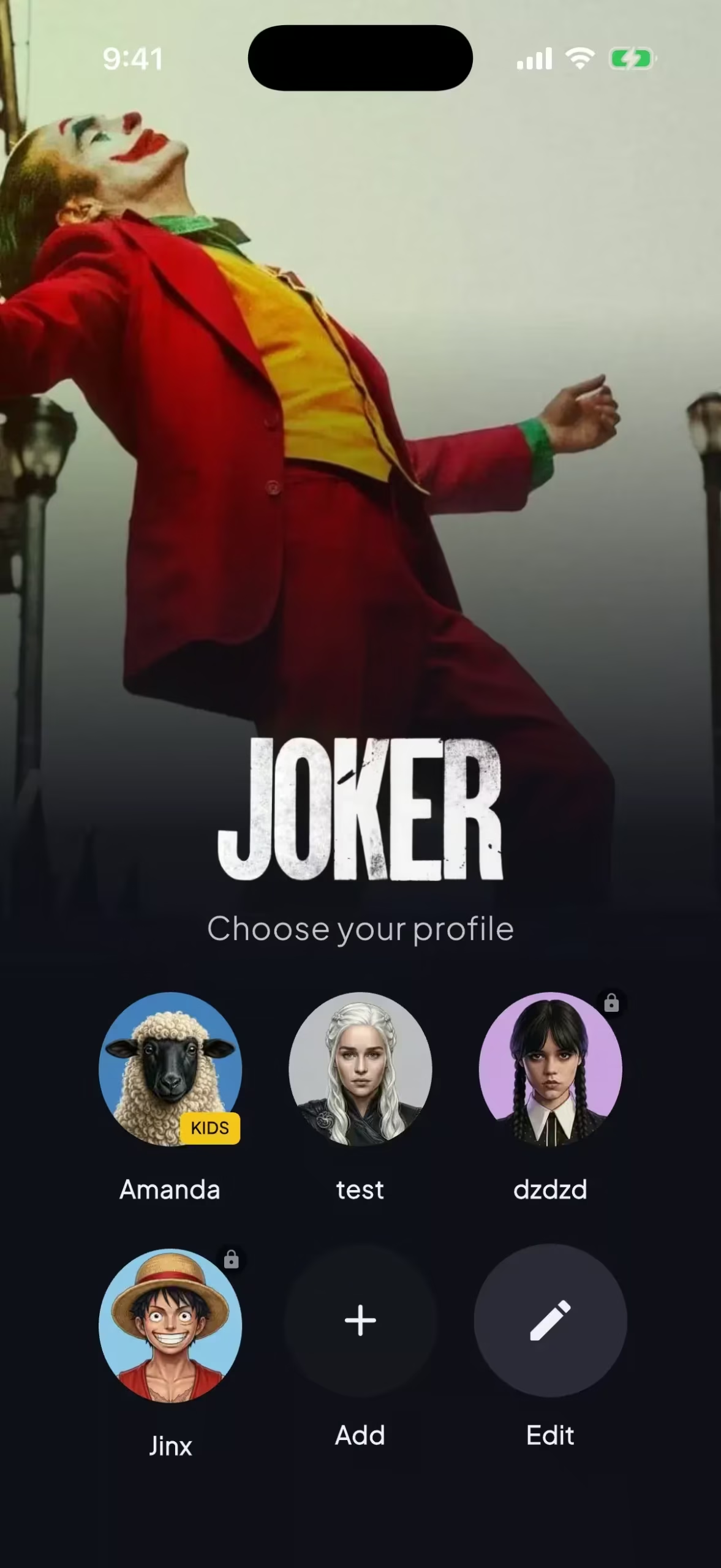
Switch between custom profiles for tailored recommendations.
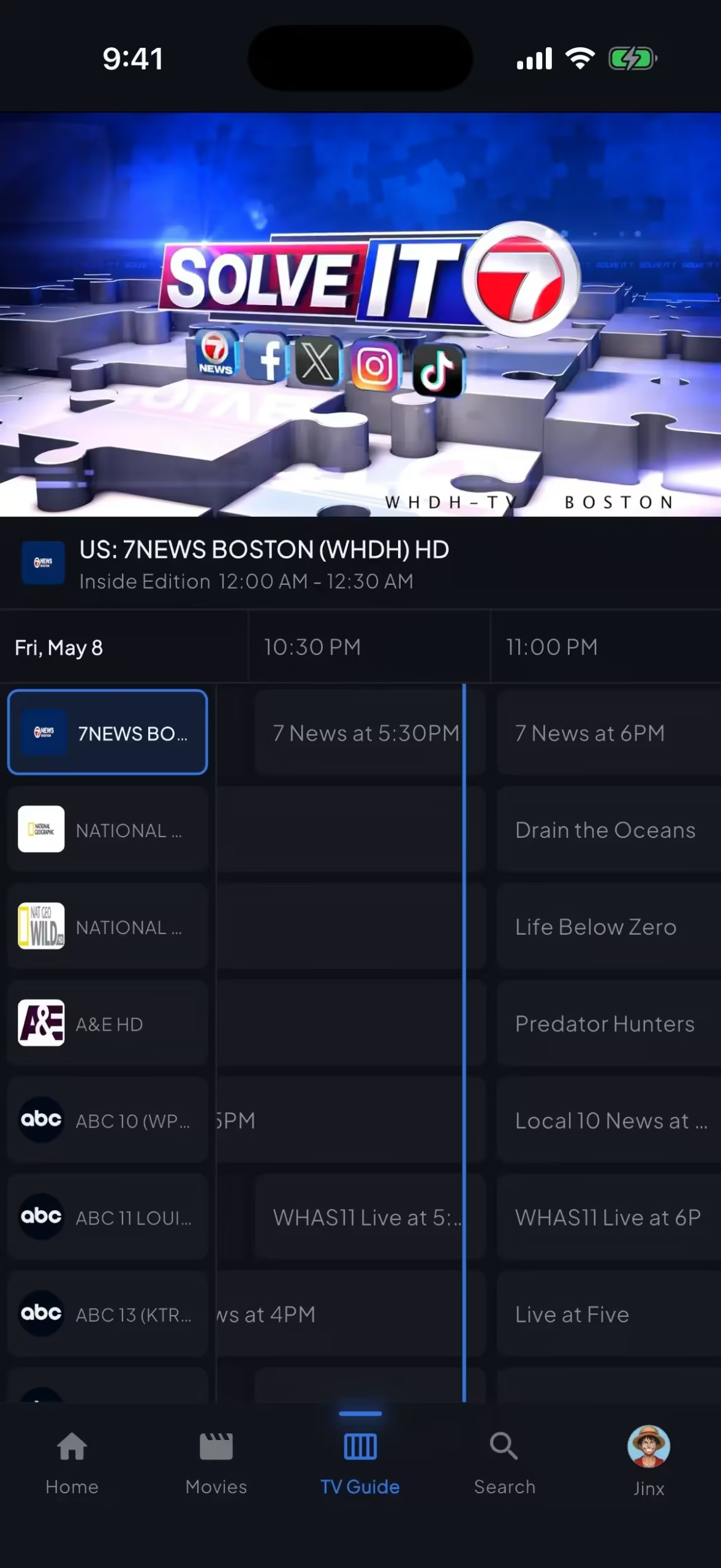
Check live schedules and broadcast timelines on the go.
Take a direct look at the core features subscribers rely on daily. apollo group tv is engineered for zero-lag navigation—these are authentic captured screens from our live application.
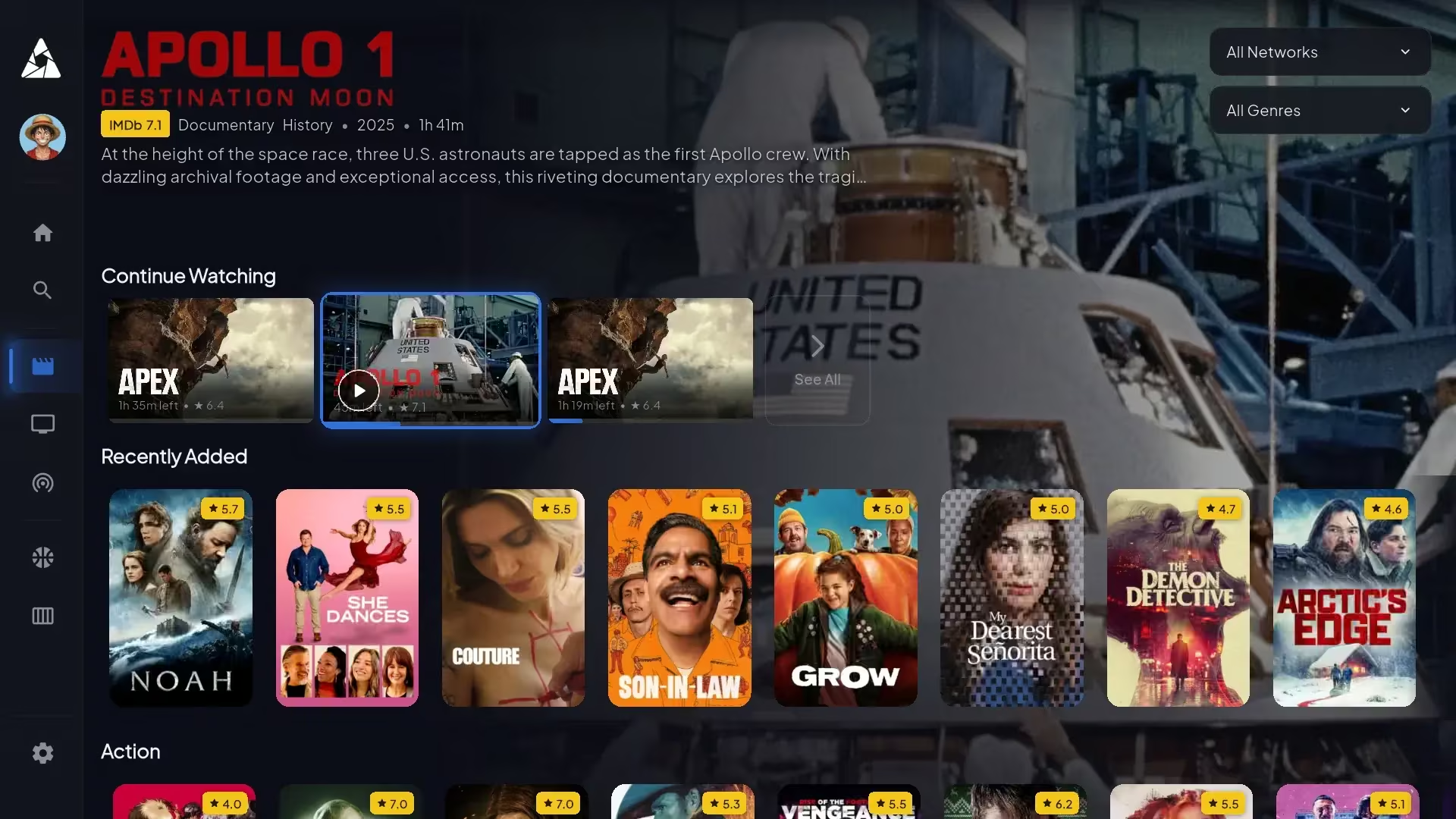
Full cast lists, runtimes, genre tags, and trailers powered by TMDB metadata so you always know what to watch next.
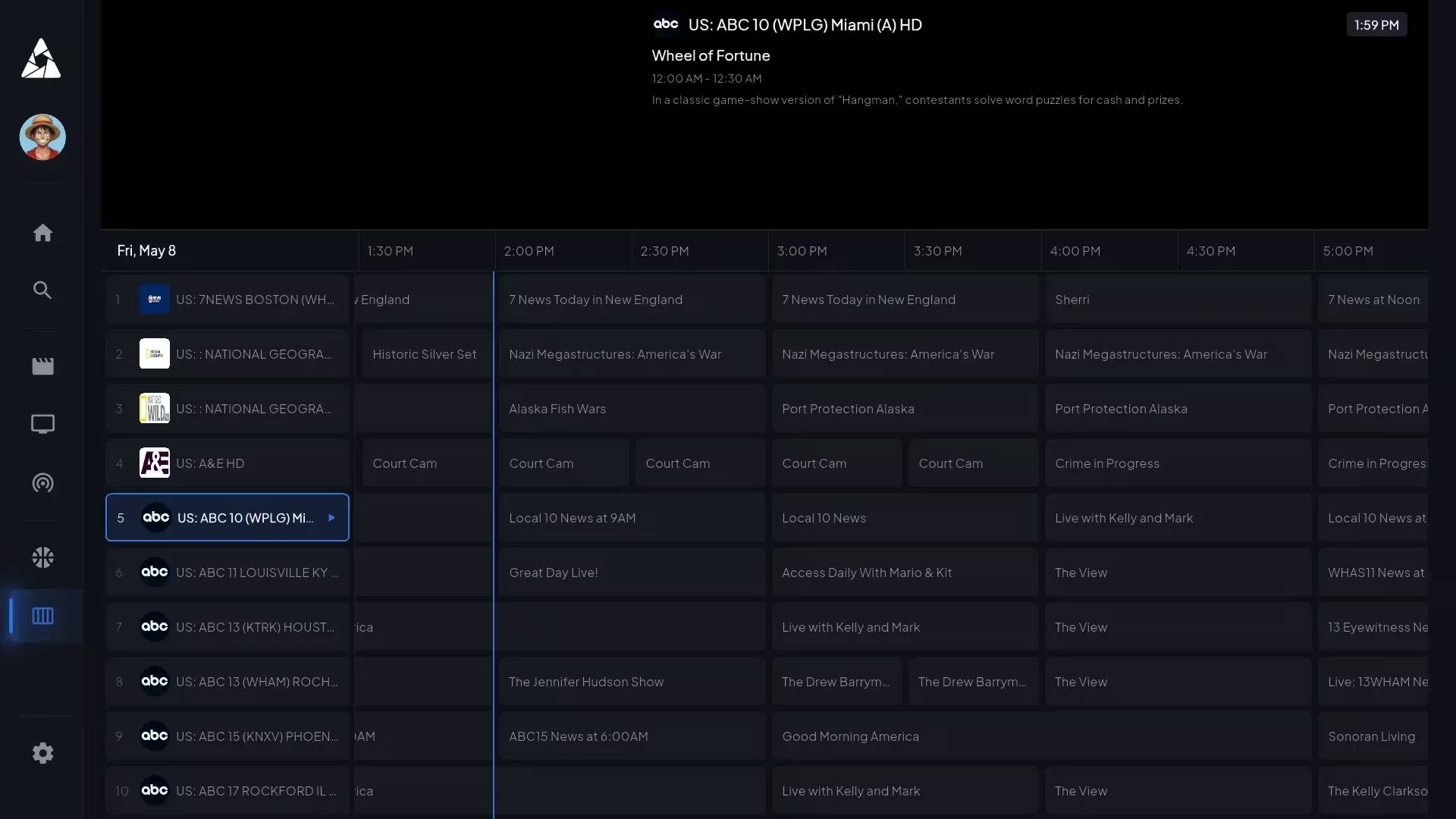
Filter by category, jump to specific time slots, and set reminders with guide data that loads instantly on launch.
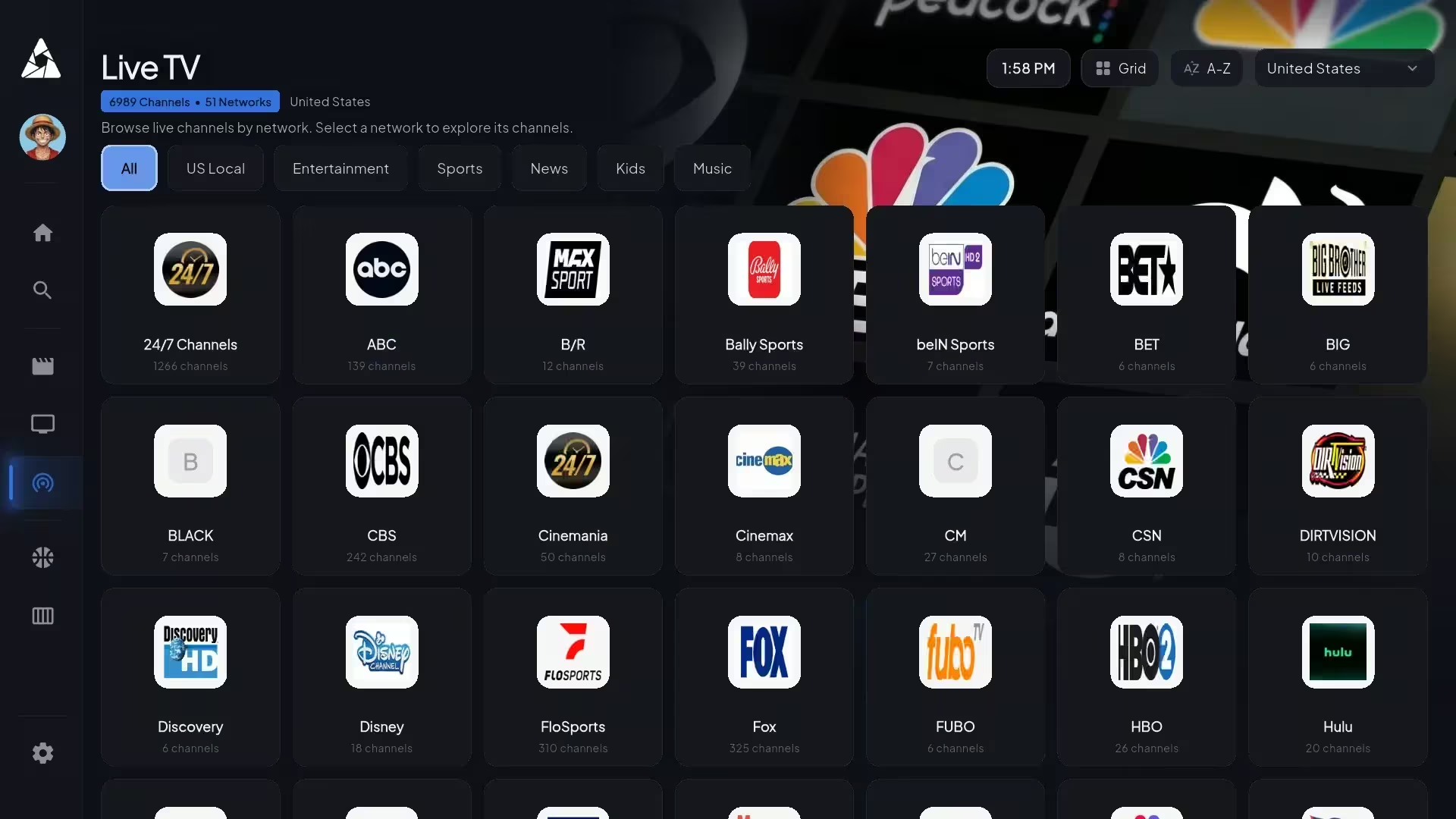
Sort channels effortlessly by country, genre, or sports category with smooth scrolling across thousands of entries.
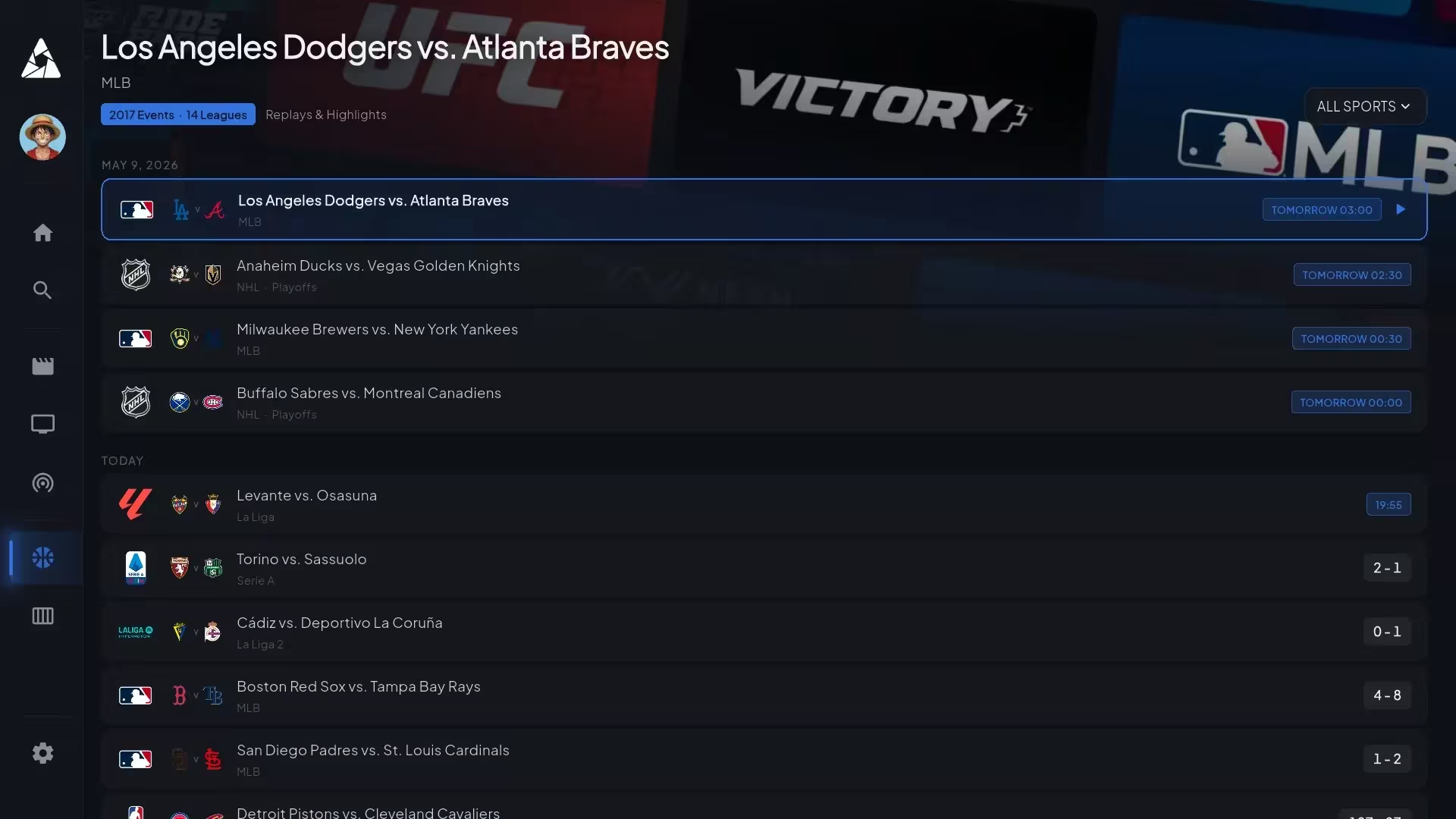
Check live scores, active matchups, and upcoming events—click any game to jump directly to the live broadcast feed.
To ensure buffer-free 4K playback on apollo group tv, verify your network speed and device hardware match our recommended standards below.
Quick 5-minute Downloader app installation for all Fire TV models.
Start Installation →Direct APK download without complex sideloading steps.
Start Installation →Screen mirroring walkthrough for Roku streaming sticks and TVs.
Start Installation →Got questions about how the app behaves? Here are direct answers regarding EPG indexing, audio sync, offline playback, and VPN setup for apollo group tv.
No. The guide downloads in the background the first time you open the app—usually fully populating within 5–10 minutes. Channels still play normally during that window; you can browse by channel name. Force-closing and reopening will not speed up the initial index.
No. apollo group tv is a live IPTV service engineered for real-time delivery, so video isn't cached to your local device storage. The entire VOD catalog streams directly on-demand.
Catchup TV allows you to access the last 3–7 days of past programming on major channels. Dedicated cloud DVR functionality is available on Android TV units, though hardware storage constraints limit it on certain lightweight media dongles.
Yes—on iOS, iPadOS, and Android mobile devices using system multi-window APIs. Smart TVs and Firestick operating systems do not expose native PiP background APIs, so it is unavailable on those devices.
We recommend 8 Mbps for HD streams, 15 Mbps for 4K Ultra HD feeds, and 25+ Mbps if multiple devices in your home are streaming simultaneously. Speeds under 5 Mbps will buffer regardless of account plan.
Navigate to Player Settings → Audio Sync and adjust the delay offset by ±200ms. Audio desync is almost always caused by an HDMI handshake mismatch rather than the stream server. Switching the active audio track also resolves sync lag.
Yes. Many subscribers stream through a VPN to prevent ISP throttling. The app does not block VPN connections. However, connecting to a VPN server in a location with geo-restricted rights may temporarily hide specific regional channels.
Have a question not listed here? Visit our Central Knowledge Base or contact 24/7 technical support.